Best POS System for Small Business: Stop Buying the Demo, Buy the Daily Reality
The demo always looks clean. The daily reality is what you actually bought.
Every POS system looks capable in a controlled presentation. The interface is fast. The inventory updates in real time. The reports are clean. What you see in the demo is the software performing under optimal conditions with pre-loaded data, a reliable internet connection, and a trained operator running the walkthrough.
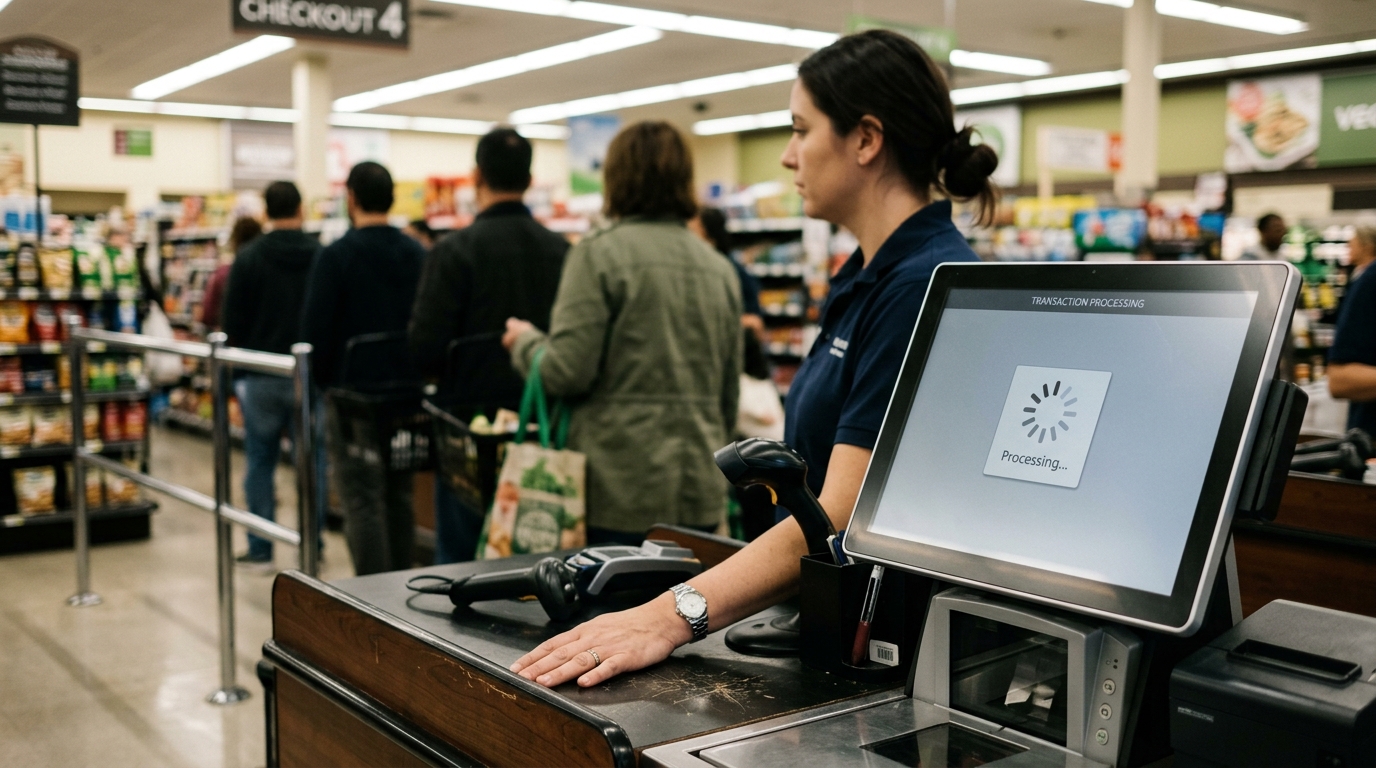
Your business is not that. It's a Tuesday afternoon with a line at the register, a product that just ran out without the system noticing, and a new hire who had one hour of training. The right POS system for a small business is the one that holds up in that version of your day, not the demo version.
That’s exactly the gap solutions like Dataonems are designed to address, helping businesses choose systems that perform reliably in real operational conditions, not just in presentations.
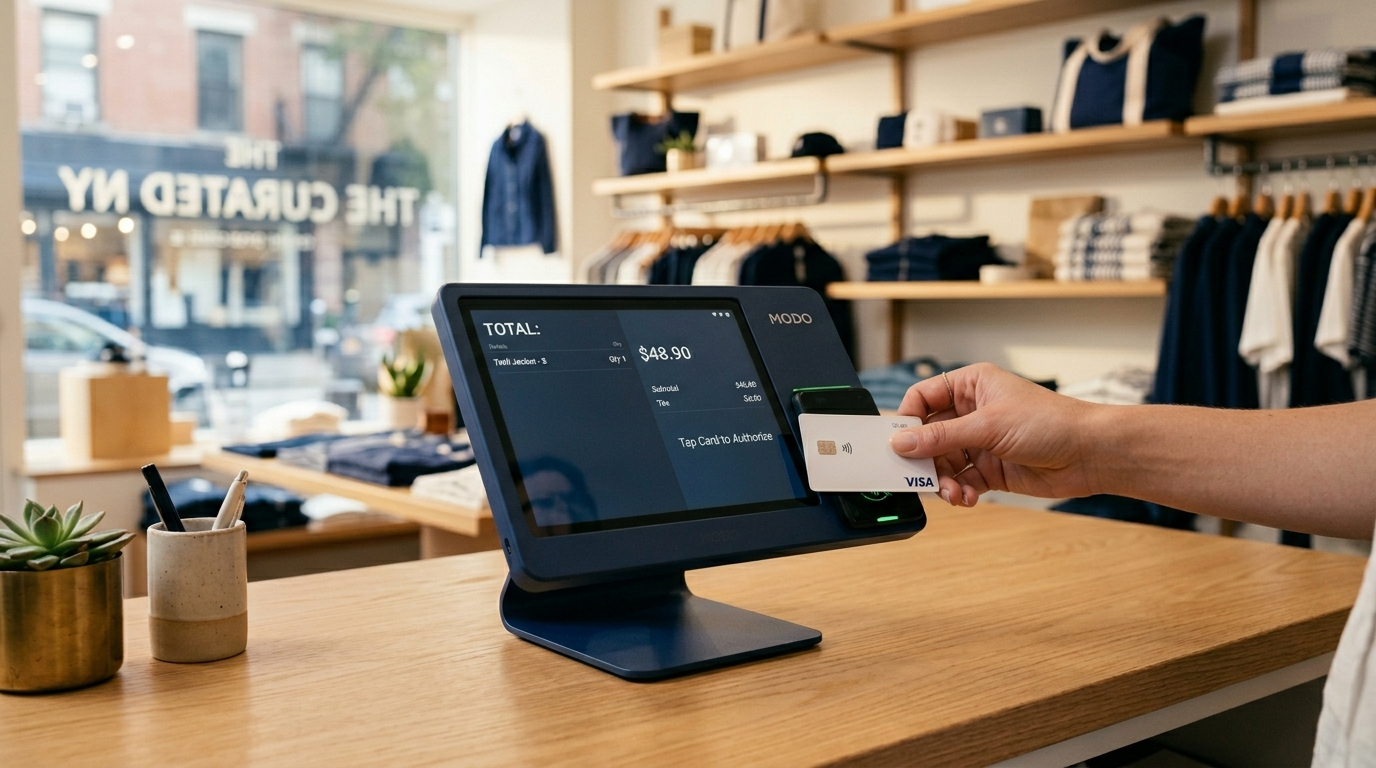
What a POS System Is Actually Doing
The Features That Separate Useful From Expensive
The feature that gets the most attention in POS demos is the checkout interface. It's also the least differentiating. Every major system processes a sale. The meaningful differences are in what happens around the transaction.
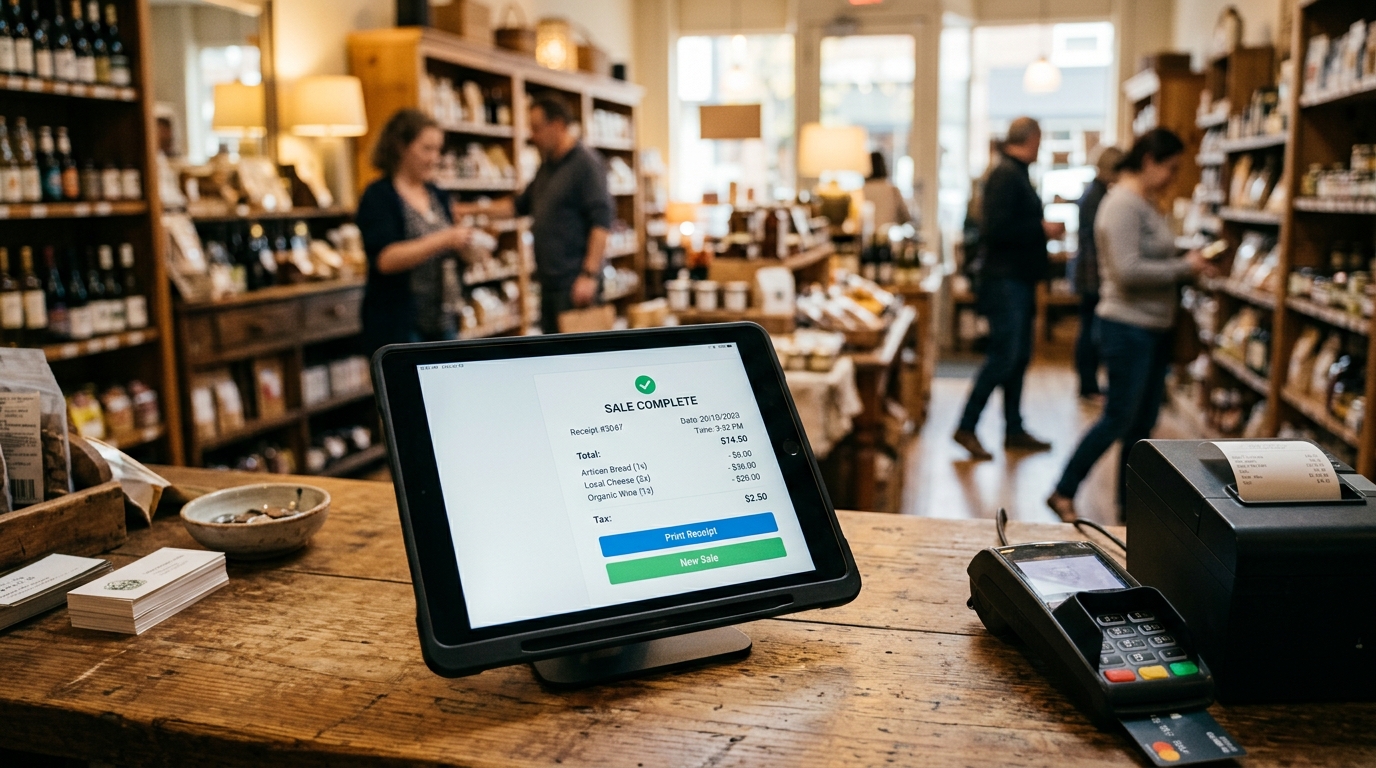
Inventory management is where most small businesses find the most immediate value. A system that tracks stock levels in real time, alerts you when quantities fall below a threshold, and reconciles inventory across locations is not a luxury; it's the alternative to manual stock counts and the discovery that a best-selling item ran out three days ago. For retail shops managing dozens or hundreds of SKUs, the time and error savings are substantial from day one.
Reporting determines whether you're running your business on data or instinct. The basic report that matters most is your effective hourly sales rate when customers are buying, at what volume, and what they're buying. Staffing decisions, purchasing decisions, and promotional timing all improve when they're based on real sales patterns instead of a general sense of how things usually go.
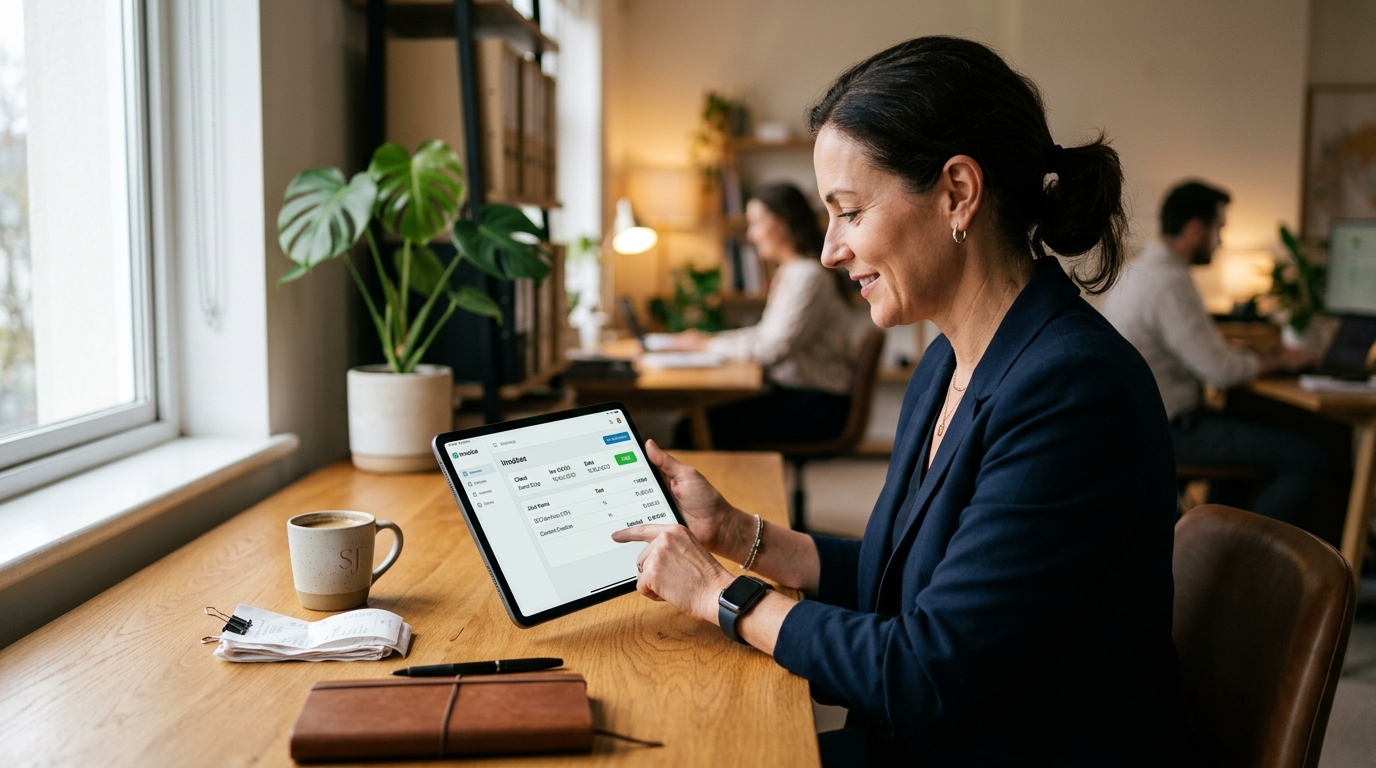
Integration is what separates a POS system from a siloed tool. A system that doesn't connect to your accounting software means manual data entry between two systems. A system that doesn't integrate with your e-commerce platform means two separate inventory records that diverge every time an online sale doesn't update the in-store count. Integration isn't a nice-to-have. It's the difference between a POS system that reduces your workload and one that adds to it.
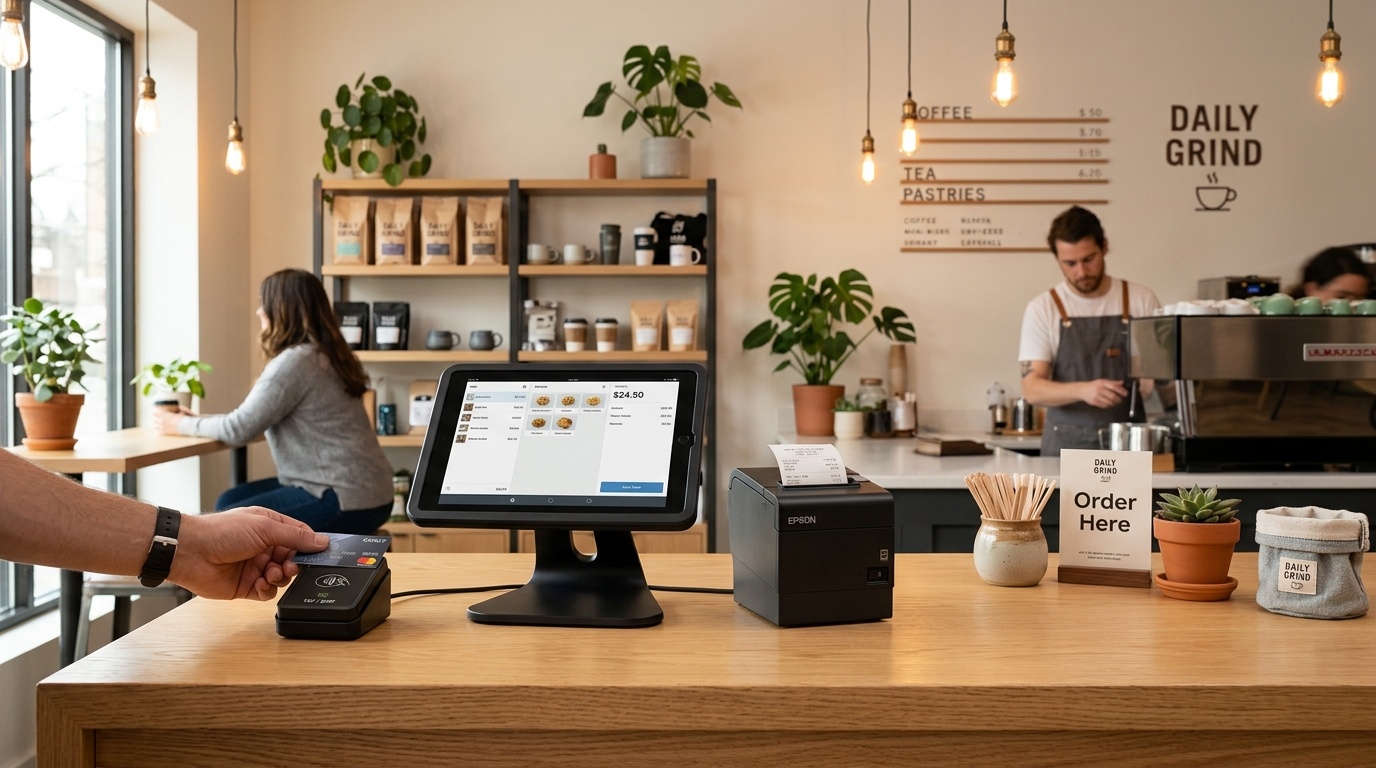
Hardware requirements are a practical constraint that demos consistently underemphasize. Cloud-based systems reduce the hardware footprint a tablet, a card reader, and sometimes a receipt printer are enough. Legacy systems often require proprietary terminals, specific receipt printers, and on-site servers. The total cost of ownership includes hardware, not just the monthly subscription.
POS Systems for Wholesale Business: A Different Problem
A basic POS system for small business retail is built around individual consumer transactions: fast checkout, real-time inventory deduction, customer-facing display. A POS system for wholesale business is built around a different operational model entirely.
Wholesale operations involve bulk orders, tiered pricing structures, B2B customer accounts with established credit terms, detailed invoicing, and repeat order management. A retail-focused system handles none of that well. It doesn't support variable pricing by customer tier, doesn't generate the invoice format B2B buyers expect, and wasn't designed for the order cycle of a wholesale relationship.
If you operate in both retail and wholesale channels, the system you choose needs to support both. That means verifying not assuming that bulk pricing, customer account management, and invoice generation are native features, not manual workarounds.
Using a retail POS for wholesale operations creates friction at every transaction. The friction is invisible in the demo and constant in the operation.
What POS Systems Actually Cost
The monthly subscription is the number that gets quoted. The total cost of ownership is the number that matters.
Entry-level systems for small retail or food service operations typically run $0 to $60 per month for software, with hardware costs ranging from $300 to $1,000 depending on the terminal setup. Those systems cover basic checkout, simple inventory, and limited reporting.
Mid-range systems, the category most growing small businesses actually need run $60 to $200 per month per location and include advanced inventory management, multi-user access, and third-party integrations. Hardware costs in this tier are similar.
Advanced systems with multi-location management, deep analytics, or wholesale functionality run higher, often $200 to $400 per month or more, depending on configuration and user count.
Payment processing is a separate cost that's often bundled into the POS subscription by some providers. When it's bundled, the processing rate is almost always flat-rate which is convenient but, for businesses doing meaningful card volume, more expensive than interchange-plus pricing through a separate processor. Know whether you're paying for a POS system or a POS system and processing package, and whether that bundle is actually competitive on the processing side.
How to Choose Without Getting Burned
The right process for selecting a POS system for a small business starts with your operation, not the software's feature list.
Map your actual transaction types before you look at any demos. If you take payments in person, online, and by phone, you need a system that handles all three without a separate platform for each. If you manage inventory across multiple locations, that capability needs to be in the base system, not an add-on tier. If you need offline processing for a location with unreliable internet, verify that the system actually supports it, not just that the sales rep says it does.
Then evaluate support. A payment failure during business hours is a revenue event. The support response time of your POS provider is a direct variable in how long the failure lasts.
The system that fits your operation, processes payments reliably, and has a support team that answers when something breaks is the best POS system for your small business. The feature list is secondary.
DATA ONE helps businesses evaluate POS systems alongside their payment processing setup, because the two are connected. The processing rate your POS bundles in may not be the best rate available. We'll show you both sides.
Lorem ipsum dolor sit amet, consectetur adipiscing elit. Suspendisse varius enim in eros elementum tristique. Duis cursus, mi quis viverra ornare, eros dolor interdum nulla, ut commodo diam libero vitae erat. Aenean faucibus nibh et justo cursus id rutrum lorem imperdiet. Nunc ut sem vitae risus tristique posuere.
Card Style Two
It has survived not only five centuries, but also the leap into electronic typesetting, remaining essentially unchanged.
There isn't a universal answer, and any list that gives you one is selling you something. The right system depends on your transaction types (in-person, online, phone), inventory complexity, integration requirements, and budget. The evaluation criteria that matter most: does it handle your specific payment methods, does inventory update in real time, does it integrate with your accounting software, and does the support team respond when something breaks?
What does a basic POS system for a small business actually include?
At minimum: a checkout interface that accepts cash, card, and contactless payments; inventory tracking that adjusts stock with each sale; basic sales reporting by day and product; and receipt generation (print or email). Cloud-based systems at this tier typically run $0 to $60 per month in software costs and require minimal hardware. They're sufficient for low-complexity retail or food service operations with limited SKU counts.
What makes a POS system for a wholesale business different from a retail system?
Wholesale operations require tiered and customer-specific pricing, B2B account management with credit terms, invoice generation in formats that B2B buyers expect, and bulk order processing. Standard retail POS systems aren't designed for any of that. Using one for wholesale operations means manual workarounds at every step. If you operate in both channels, verify that wholesale-specific features are native to the system, not add-ons or manual processes.
Is the payment processing bundled into my POS system competitive?
Often not. When a POS provider bundles payment processing into the monthly subscription, the processing rate is almost always flat-rate pricing, which is convenient but systematically more expensive than interchange-plus pricing for businesses doing consistent card volume. Evaluate the processing component separately. In many cases, using a dedicated payment processor alongside your POS software produces a lower effective rate than the bundled package, even after any integration fees.
How long does it take to set up a POS system for a small business?
For a cloud-based system with a modest product catalog, initial setup runs two to four hours: software configuration, product and pricing entry, hardware connection, and a test transaction run. Businesses with large inventories, multiple locations, or complex pricing structures take longer, typically one to three days, including staff training. The setup timeline is a function of your data preparation. The more accurately your inventory and pricing are documented before setup begins, the faster the process.
Brooklyn Simmons
Blocks/Grid
Fusce at sapien turpis. Aliquam at purus posuere, mattis sapien nec, dignissim ipsum. Cras ac auctor eros, sagittis euismod ante. Nunc non luctus orci. Vivamus ultrices cursus nisi sed vehicula.
Proin dapibus, sapien a suscipit sodales, justo velit placerat quam, sit amet efficitur nunc est congue quam. Phasellus varius congue tellus, non dictum ligula consectetur eu. Nam lobortis varius eros. Nulla diam augue, suscipit id pellentesque in, tristique id sapien. Vestibulum congue lorem ac turpis pulvinar ultricies.
Mauris tristique, urna hendrerit ornare viverra, diam nibh vestibulum nulla, sit amet porttitor massa magna at elit. Curabitur nec diam ac nulla interdum ultrices vel non nisi. Nunc ut vehicula mauris. Ut facilisis cursus hendrerit. Suspendisse facilisis auctor nibh sit amet tempus. Sed scelerisque sit amet lectus tristique varius.
Lorem ipsum dolor sit amet, consectetur adipiscing elit. Suspendisse varius enim in eros elementum tristique. Duis cursus, mi quis viverra ornare, eros dolor interdum nulla, ut commodo diam libero vitae erat. Aenean faucibus nibh et justo cursus id rutrum lorem imperdiet. Nunc ut sem vitae risus tristique posuere.
The best POS system for a small business isn’t the cheapest; it's the one that matches your daily operations. Here’s what to consider before you make a decision.
Courtney Henry
May 6, 2026
There are many variations of passages of Lorem Ipsum available, but the majority have suffered alteration in some form,
Oops! Something went wrong while submitting the form.
Guest
6 hours ago
Lorem ipsum dolor sit amet, consectetur adipiscing elit. Suspendisse varius enim in eros elementum tristique. Duis cursus, mi quis viverra ornare, eros dolor interdum nulla, ut commodo diam libero vitae erat. Aenean faucibus nibh et justo cursus id rutrum lorem imperdiet. Nunc ut sem vitae risus tristique posuere.
Oops! Something went wrong while submitting the form.
Guest
•
6 hours ago
Lorem ipsum dolor sit amet, consectetur adipiscing elit. Suspendisse varius enim in eros elementum tristique. Duis cursus, mi quis viverra ornare, eros dolor interdum nulla, ut commodo diam libero vitae erat. Aenean faucibus nibh et justo cursus id rutrum lorem imperdiet. Nunc ut sem vitae risus tristique posuere.
Ready to Build the Right Payment System for Your Business?
Speak with a Data One payments specialist to design a solution aligned with how your business operates — from payments and POS to software and growth tools.



.svg)