Top Small Business POS System Working for You or Against You
Your current small business POS system is making you a decision every transaction. Either it is processing that sale efficiently, building a clean record, and reducing your workload or it is slowing your line, creating reconciliation problems, and putting a ceiling on how fast your business scales. There is no neutral position.
The market is full of POS options. It is not full of businesses that have matched the right one to their actual operational context. A restaurant owner running outdated startup POS software from a first-year signup deal is not just dealing with minor inconveniences. That owner is losing table turns, mis-tracking inventory, and watching their staff work around a system instead of through it. A contractor closing a $5,000 job with a consumer-grade checkout setup is introducing chargeback exposure on every ticket they run.
This is the problem the wrong POS system creates: it does not announce itself as a failure. It bleeds quietly through slow checkouts, manual reconciliations, missed reporting, and customers who do not come back because the experience at payment felt like an afterthought. Dataonems works with small businesses to identify exactly where that bleed is happening and replace the system causing it with infrastructure that performs at the speed the operation actually demands.
The Checkout Experience Is the Last Impression Your Business Makes
Most business owners focus their energy on the front end of the customer experience: the product, the service, the environment. The back end, meaning the moment the customer actually pays, is treated as administrative. That is a structural mistake.
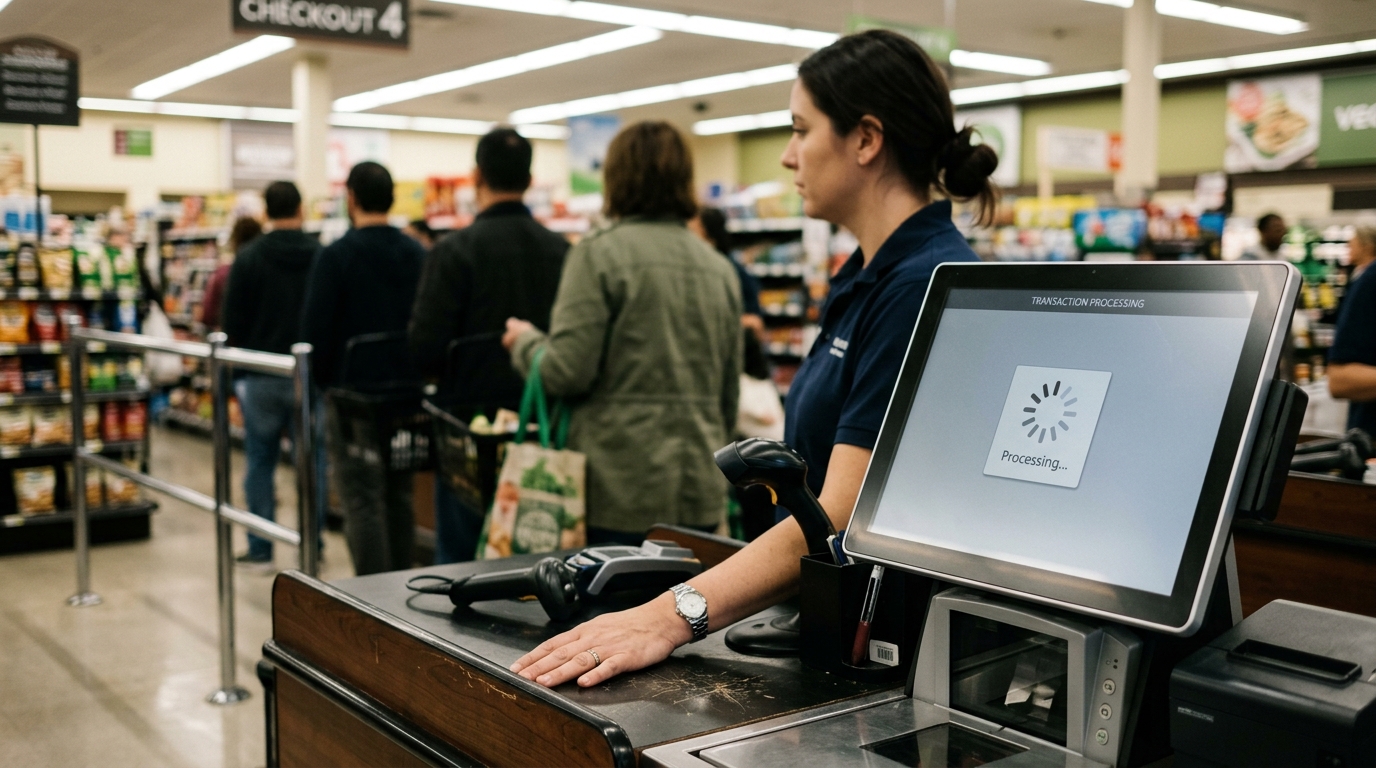
The checkout moment is the final data point a customer processes before they decide how they feel about your business. A slow, friction-heavy, error-prone payment experience does not cancel out a good meal or a quality service. But it adds to the mental ledger in a way that compounds over time. The customer who waits ninety seconds for your terminal to connect, who has to hand their card to a server twice because the first tap failed, who watches the staff navigate a confusing screen that the customer is revising their impression of your operation in real time.
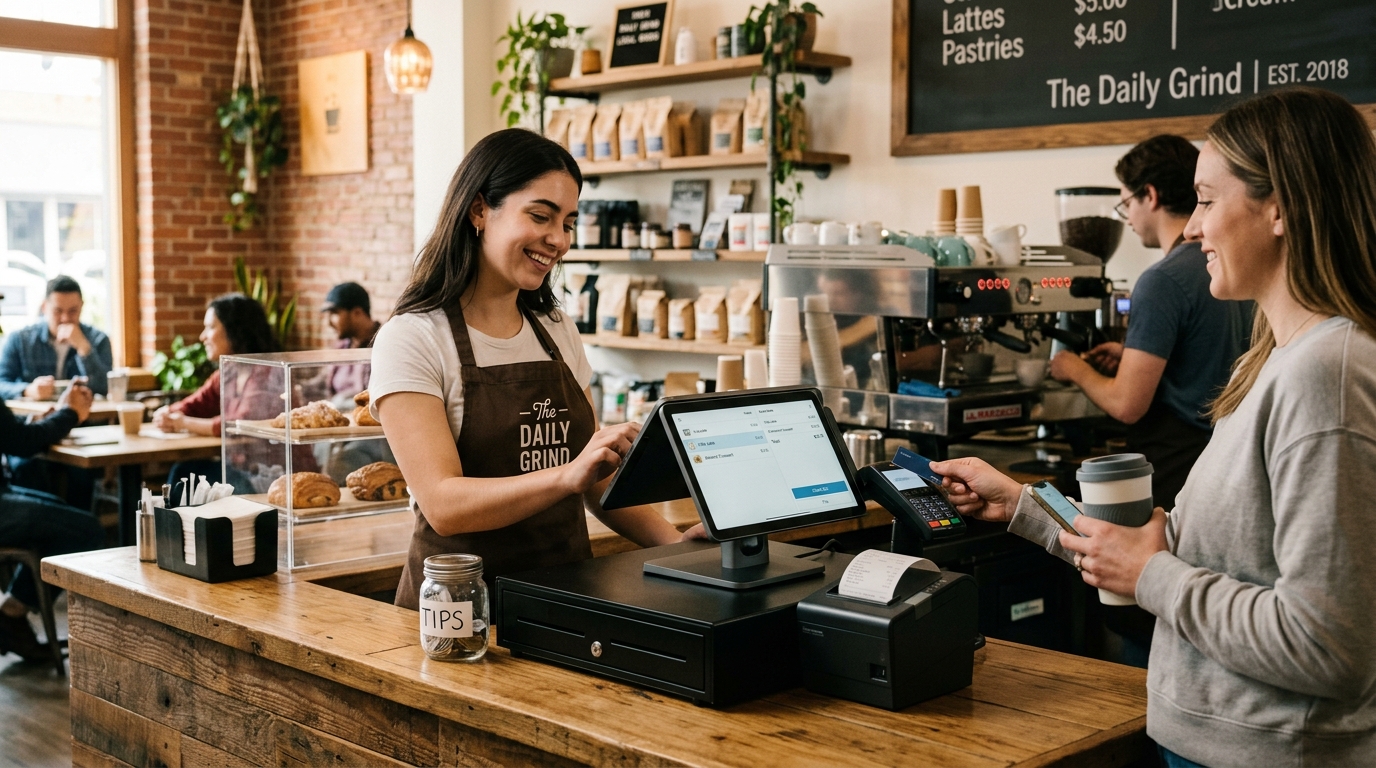
An easy checkout POS does not just move the line faster. It closes the experience on the note you worked to create. Every unnecessary second at the terminal is a second your customer is not spending feeling good about what they just bought.
What an Affordable POS for Small Business Actually Costs You
The word affordable in POS marketing is doing significant work. A system that carries a low upfront cost but charges 2.9% plus thirty cents on every transaction, requires a third-party integration for inventory, and locks you into annual contracts that auto-renew is not affordable. It is cheap at entry and expensive at scale.
The true cost of your POS system is not the monthly subscription. It is the sum of transaction fees on your annual volume, the labor hours spent on manual reconciliation, the sales lost to checkout friction, and the upgrade costs when your operation grows past what the system was designed to handle.
For a local shop running 200 transactions a week at an average of $45 per ticket, a difference of 0.5% in processing fees equals over $2,300 a year. That is not a rounding error. That is a category of expense that demands the same scrutiny you apply to any other vendor relationship.
The affordable POS for small businesses is not the cheapest one. It is the one whose cost structure scales proportionally with your revenue, whose hardware does not require replacement every eighteen months, and whose software actually covers your operational requirements without add-on fees for every feature that matters.
Startup POS Software Is Not Built for a Growing Business
The POS system you chose when you opened is not the POS system your business needs at year three. This is not a criticism of the choices made at launch. It is a structural reality of how startup POS software is built and sold.
Entry-level systems are designed to solve the immediate problem: accept payments, generate receipts, stay cheap. They are not designed for multi-location reporting, staff permission management, table management at volume, or integrations with the accounting and inventory systems that a growing business actually runs. They are designed to get you started, which means they are designed to be replaced.
The cost of that replacement data migration, staff retraining, new hardware, a period of parallel operation during cutover is real and underestimated. Businesses that make the transition from startup POS software to a system built for operational scale consistently report that the transition took longer and cost more than they projected.
The better approach is selecting a system at entry that has a clear upgrade path, one whose base tier handles your current volume and whose higher tiers handle what you will need at double the revenue. Growing business POS infrastructure is not about paying for features you do not need today. It is about not paying twice to re-platform when you need them.
Industry-Specific Requirements Are Not Optional Features
A POS systemthat works for a coffee shop does not work for a healthcare practice. A system built for retail does not translate cleanly to a field service operation where the job closes on-site and the ticket size varies by three hundred percent. The surface features accept cards, print receipts, track sales look identical across categories. The operational requirements are not.
Healthcare front desks need HIPAA-compliant payment handling, co-pay reconciliation, and integration with practice management software. Restaurants need table mapping, split checks, kitchen display routing, and tip management that survives a Saturday dinner service without breaking. Contractors need offline capability, large-ticket processing with low chargeback exposure, and mobile hardware that survives a job site.
When a business selects a POS system based on general features rather than category requirements, the gaps appear during peak operation. The restaurant discovers during a full house that the split-check function creates errors. The clinic realizes its payment data is not feeding the billing system it assumed it would. The contractor learns that their card reader loses connection in buildings where the work is actually done.
Defining your operational requirements before evaluating systems is not due diligence in the conventional sense. It is the only logical starting point for a decision that affects every transaction you process.
How to Evaluate a Local Shop POS System Without Getting Sold the Wrong One
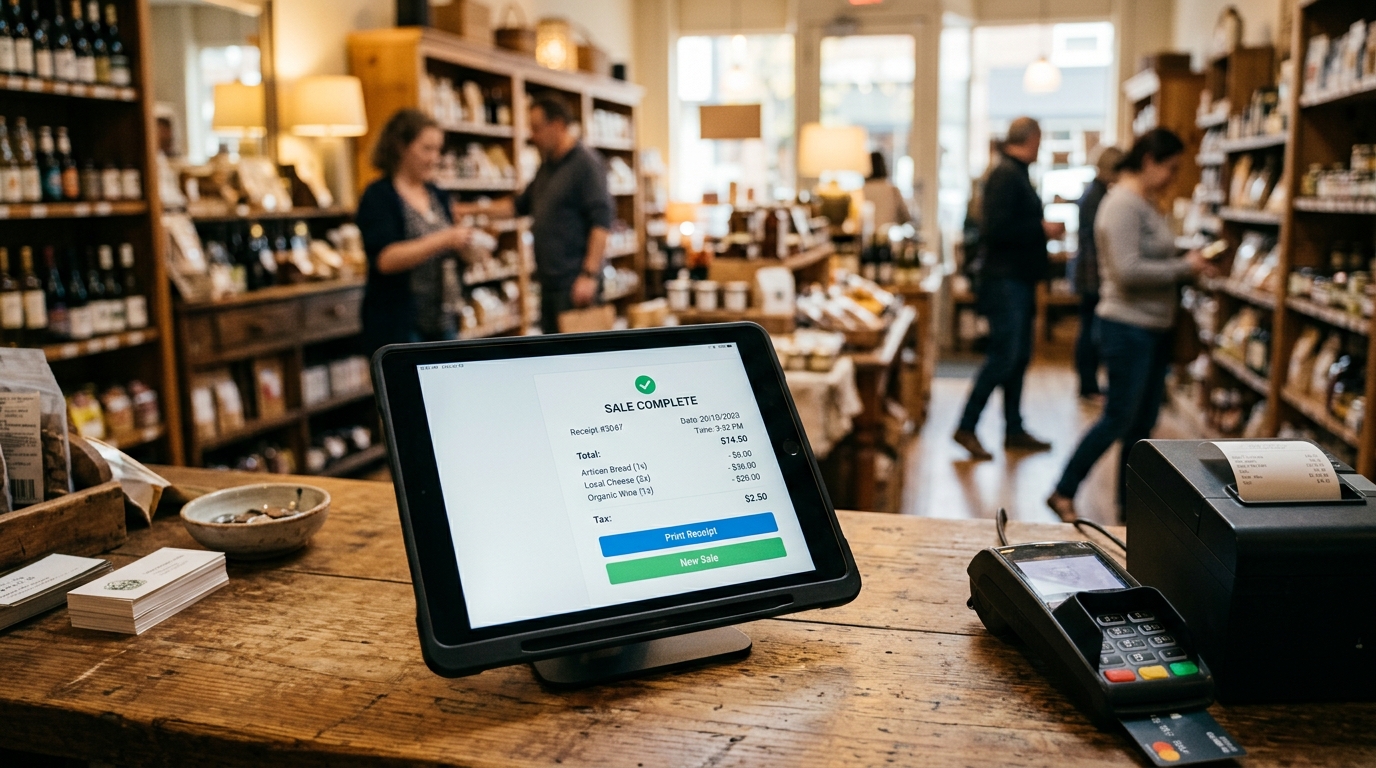
The sales process for POS systems is built around the demo. A polished demo in a controlled environment with pre-loaded data shows every strength of a system and conceals every operational limitation. The local shop POS system that looks seamless when a sales rep is driving it is not the same system your staff operates during a line of twelve customers.
Evaluate in this order. First, define your non-negotiable operational requirements: transaction volume, hardware environment, software integrations, offline capability, and reporting needs. Second, verify that the systems you are considering actually meet those requirements not in the demo, but in the documentation and in reference calls with businesses in your category. Third, model the true cost over three years: subscription fees, transaction fees, hardware replacement, and integration costs. Fourth, negotiate the contract with the same discipline you bring to any vendor agreement: payment terms, lock-in clauses, fee escalation limits, and exit conditions.
The businesses that select the wrong POS system almost universally reverse this order. They see the demo first, they get sold on features they will use occasionally, and they sign before they have modeled what the system actually costs at their transaction volume. The businesses that select the right one build the requirement before they enter the sales process.
The Case for Treating Your Payment Infrastructure as a Core Business Decision
Payment infrastructure occupies an unusual position in how small business owners think about operations. It is treated as utility necessary, invisible, not worth significant strategic attention. That framing is the mistake.
Your POS system touches every transaction your business processes. It generates the data that drives your financial reporting. It shapes the checkout experience that determines whether customers return. It creates the reconciliation workload that costs your staff hours every week. It is the interface between your operation and your revenue.
Businesses that treat POS selection as a strategic decision that invest the time to define requirements, model costs accurately, and negotiate terms consistently operate with lower payment overhead, cleaner financial data, and faster checkout experiences than businesses that treat the decision as a procurement task. The difference is not the system itself. It is the discipline brought to the selection process.
DataOneMS works with small businesses, restaurant groups, field service operations, and healthcare practices to match payment infrastructure to actual operational requirements. The right system exists for your business. The work is finding it before you are locked into the wrong one.
The Verdict
The Verdict
The wrong small business POS system does not fail dramatically. It creates friction in small, consistent increments: a slow checkout here, a reconciliation error there, a fee structure that quietly erodes margin across thousands of transactions. By the time the problem is obvious, it has already cost real money.
The selection process is not complicated. Define your operational requirements before you evaluate a single system. Model the true cost at your transaction volume. Verify claims in reference calls, not demos. Negotiate the contract with the same rigor you bring to every other vendor relationship. And treat your payment infrastructure as the strategic business decision it actually is.
The right system is not the most popular one or the one with the most features. It is the one that matches your specific operational context and costs you the least to run at scale. That system exists. The work is choosing it deliberately. Book your free operations audit →
Tables
These unsightly stains
Noticing brown spots on your ceiling
How Infectious Diseases Affect the Brain
Laudantium totam
Was sollte alles in einem stehen?
Accusantium doloremque
Using sound to model the world
Nemo enim ipsam
Common Skin Care Myths
Eritatis et quasi
Cards
Card Style One
Lorem ipsum dolor sit amet, consectetur adipiscing elit. Suspendisse varius enim in eros elementum tristique. Duis cursus, mi quis viverra ornare, eros dolor interdum nulla, ut commodo diam libero vitae erat. Aenean faucibus nibh et justo cursus id rutrum lorem imperdiet. Nunc ut sem vitae risus tristique posuere.
Card Style Two
It has survived not only five centuries, but also the leap into electronic typesetting, remaining essentially unchanged.
There is no single best small business POS system. The right system depends on your transaction volume, industry category, hardware environment, software integration requirements, and true cost at your specific scale. A system that is optimal for a quick-service restaurant performs poorly for a healthcare practice or field service contractor. Define your operational requirements first, then evaluate systems against them.
How much does an affordable POS for a small business actually cost?
The true cost of a small business POS system includes monthly subscription fees, per-transaction processing rates, hardware purchase or lease costs, integration fees for third-party software, and upgrade costs as your operation grows. A system with a low monthly fee but a high per-transaction rate can cost significantly more than a higher-subscription system at volume. Model costs over three years at your current transaction volume before making any commitment.
What should I look for in startup POS software?
Startup POS software should handle your immediate operational requirements and have a clear upgrade path to features you will need at scale multi-location reporting, advanced inventory, staff management, and deeper integrations. The cost of re-platforming from a system that cannot scale is consistently higher than the cost difference between entry-tier and mid-tier systems at launch.
Can a local shop POS system work for multiple locations?
Many systems marketed as local shop POS solutions are designed for single-location operations and require a higher-tier plan or a separate enterprise system for multi-location reporting and centralized management. If expansion is on your planning horizon, confirm multi-location capability before signing any agreement.
What makes a growing business POS different from a standard one?
A POS system built for a growing business handles increasing transaction volume without performance degradation, supports multi-location management, integrates with accounting and inventory systems, and has pricing that scales proportionally with revenue rather than penalizing growth. The differentiator is not feature count. It is an architectural design for operational scale.
Brooklyn Simmons
Blocks/Grid
Fusce at sapien turpis. Aliquam at purus posuere, mattis sapien nec, dignissim ipsum. Cras ac auctor eros, sagittis euismod ante. Nunc non luctus orci. Vivamus ultrices cursus nisi sed vehicula.
Proin dapibus, sapien a suscipit sodales, justo velit placerat quam, sit amet efficitur nunc est congue quam. Phasellus varius congue tellus, non dictum ligula consectetur eu. Nam lobortis varius eros. Nulla diam augue, suscipit id pellentesque in, tristique id sapien. Vestibulum congue lorem ac turpis pulvinar ultricies.
Mauris tristique, urna hendrerit ornare viverra, diam nibh vestibulum nulla, sit amet porttitor massa magna at elit. Curabitur nec diam ac nulla interdum ultrices vel non nisi. Nunc ut vehicula mauris. Ut facilisis cursus hendrerit. Suspendisse facilisis auctor nibh sit amet tempus. Sed scelerisque sit amet lectus tristique varius.
Lorem ipsum dolor sit amet, consectetur adipiscing elit. Suspendisse varius enim in eros elementum tristique. Duis cursus, mi quis viverra ornare, eros dolor interdum nulla, ut commodo diam libero vitae erat. Aenean faucibus nibh et justo cursus id rutrum lorem imperdiet. Nunc ut sem vitae risus tristique posuere.
Not every POS system is built for your operation. Here's what restaurants, retailers, contractors, and clinics actually need and what to demand from your provider.
Courtney Henry
May 6, 2026
There are many variations of passages of Lorem Ipsum available, but the majority have suffered alteration in some form,
Oops! Something went wrong while submitting the form.
Guest
6 hours ago
Lorem ipsum dolor sit amet, consectetur adipiscing elit. Suspendisse varius enim in eros elementum tristique. Duis cursus, mi quis viverra ornare, eros dolor interdum nulla, ut commodo diam libero vitae erat. Aenean faucibus nibh et justo cursus id rutrum lorem imperdiet. Nunc ut sem vitae risus tristique posuere.
Oops! Something went wrong while submitting the form.
Guest
•
6 hours ago
Lorem ipsum dolor sit amet, consectetur adipiscing elit. Suspendisse varius enim in eros elementum tristique. Duis cursus, mi quis viverra ornare, eros dolor interdum nulla, ut commodo diam libero vitae erat. Aenean faucibus nibh et justo cursus id rutrum lorem imperdiet. Nunc ut sem vitae risus tristique posuere.
Ready to Build the Right Payment System for Your Business?
Speak with a Data One payments specialist to design a solution aligned with how your business operates — from payments and POS to software and growth tools.




.svg)