Inventory POS System: What Disconnected Stock Management Is Actually Costing You
The spreadsheet worked until it didn’t.
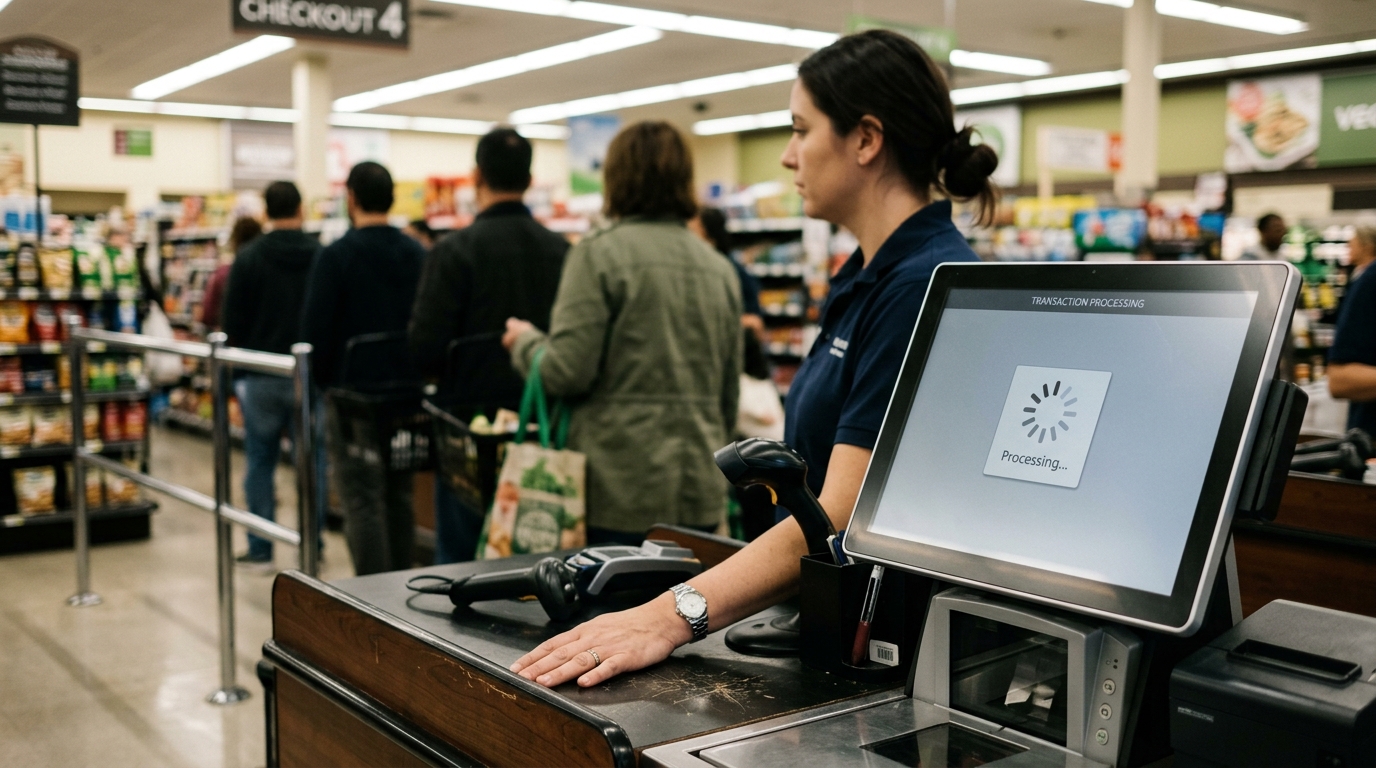
At some point, a second location, a busy season, a staff member who forgot to update the count, the gap between what the spreadsheet said and what was actually on the shelf became a business problem. A sale went through on something already out of stock. A customer drove in for a product that wasn’t there. A reorder happened two weeks too late because no one caught the signal in time.
This is not a technology failure. It’s a structural failure. An inventory POS system is the structural fix.
That’s exactly where Dataonems helps businesses by implementing inventory POS systems that sync sales and stock in real time, reduce tracking errors, and keep operations aligned across every location.
What an Inventory POS System Does
Where the Disconnected Model Breaks Down
The operational drag from disconnected sales and inventory tracking compounds quietly.
A customer calls to ask if something is in stock. The answer requires someone to walk to the shelf or check a separate system that hasn't been updated since yesterday's close. The answer is uncertain. The customer either waits or goes elsewhere.
A product is available online. Three customers ordered it. One unit is actually in stock. Two of those customers get a cancellation email, a refund request, and a reason to buy from someone else next time.
A reorder happens because someone noticed the shelf looked thin, not because a system flagged a threshold. The new stock arrives two weeks late. Sales during that window were lost. No record of the pattern exists to prevent it from happening again.
Each of these is a small failure. Over a year, they are not small.
What to Require From a System
Not every inventory POS system deliversthe same functionality. The category name is broad. The capability gap between systems is not.
Real-time stock tracking POS. The inventory count updates at the moment of sale, not at end-of-day batch processing. Real time should mean real time during the transaction, not after the close.
Low stock alerts. You define the threshold; the system notifies you when a product hits it. This is a basic feature that eliminates reactive reordering. If the system you're evaluating doesn't offer configurable low stock alerts, it's not an inventory system; it's a register with a product list.
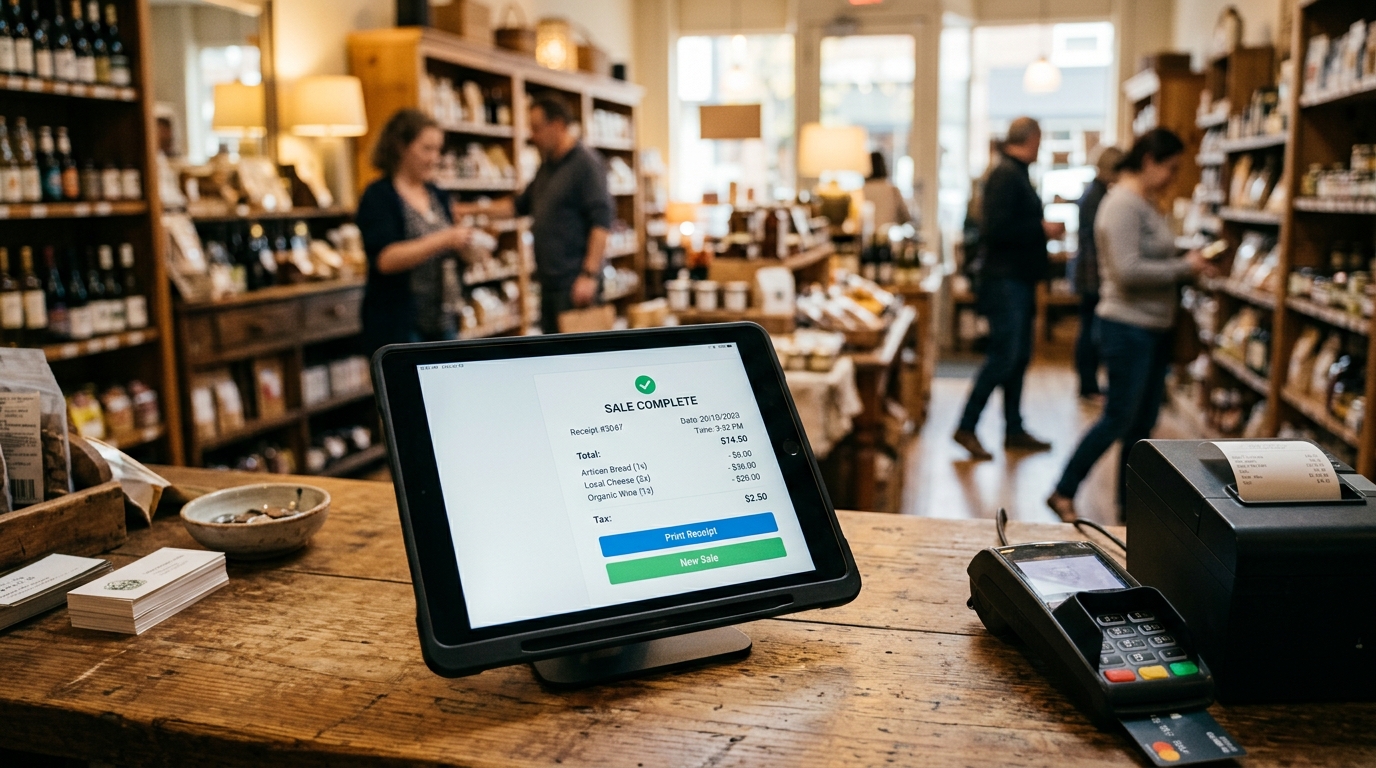
Retail inventory checkout integration. The checkout flow and the inventory record should be the same transaction, not two separate data entries. When a cashier processes a sale, the inventory should update without a second step. If staff can complete a checkout without touching inventory, the integration is not complete.
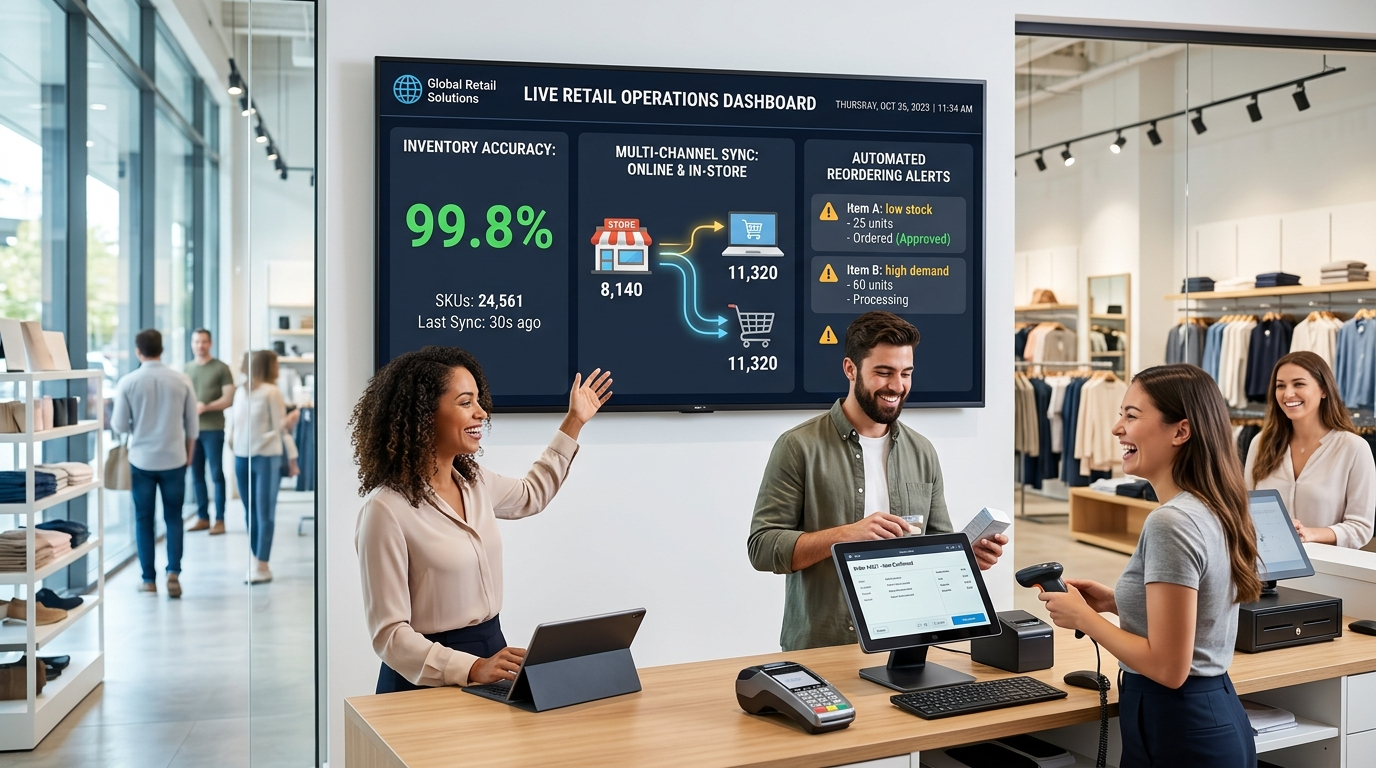
Multi-location and multi-channel sync. If you sell in more than one location, or sell both in-store and online, synced inventory software is not optional. It is the system. Stock that doesn't update across all channels creates the exact overselling problem an inventory POS is supposed to eliminate.
Reporting with operational relevance. Which products turn fastest? Which carries the highest margin? Which have been sitting for 90 days. Which peak seasonally and require advance ordering. A system that can't surface this information isn't managing inventory; it's recording it.
The Growth Problem Inventory Systems Solve
A business with ten SKUs can manage inventory manually. A business with two hundred cannot. The threshold between manageable and chaotic is lower than most owners expect, and the crossing usually happens during a growth phase, when operational attention is already stretched thin.
This is the moment when inventory problems become visible: a busy season, a new product line, a second location. The errors were always there. The volume just made them impossible to ignore.
An inventory POS system is not a response to that chaos. It's the infrastructure that prevents the chaos from arriving in the first place. Businesses that build the system before they need it scale differently from businesses that retrofit it after the damage is done.
The difference shows in customer experience. Consistent stock availability builds the expectation that what you carry is what you have. That expectation drives repeat visits. Its absence, a product listed that isn't there, a promised item that takes a week to source, erodes the trust a business spent years building.
Common Implementation Failures
The system is only as good as how it's set up and used.
The most common failure is not automating fully. A business adopts an inventory POS, but staff continue to update stock manually for certain product categories out of habit, or because the setup wasn't completed for those SKUs. The manual entries override the automated record. The count drifts. The problem the system was supposed to solve persists.
The second failure is poor initial product categorization. If SKUs are entered inconsistently at setup, with different naming formats, missing attributes, or products grouped incorrectly, reporting becomes unreliable from day one. The time to structure the catalog correctly is before the system goes live, not after six months of bad data.
The third failure is not using the reporting. The system generates the information. The decision to act on it still belongs to the owner. Low stock alerts only prevent stockouts if someone responds to them. Sales trend data only improves purchasing if someone reads it. The businesses that get the most from inventory software are the ones that build a weekly review of the data into their operating rhythm.
What a Working System Looks Like
Stock counts are accurate. Staff answer inventory questions without guessing. Reorders happen before the shelf is empty. Online availability reflects physical reality. Reports show what's working and what isn't, in time to act on it.
That's the floor. Not the ceiling.
If your current setup doesn't deliver that consistently, the cost is showing up somewhere in lost sales, in customer complaints, in staff hours spent reconciling what the system says against what the shelf says. You just may not have added it up yet.
Lorem ipsum dolor sit amet, consectetur adipiscing elit. Suspendisse varius enim in eros elementum tristique. Duis cursus, mi quis viverra ornare, eros dolor interdum nulla, ut commodo diam libero vitae erat. Aenean faucibus nibh et justo cursus id rutrum lorem imperdiet. Nunc ut sem vitae risus tristique posuere.
Card Style Two
It has survived not only five centuries, but also the leap into electronic typesetting, remaining essentially unchanged.
What is an inventory POS system, and how is it different from a basic POS?
A basic POS processes sales transactions. An inventory POS system integrates sales with stock management; every transaction automatically updates inventory counts, triggers low stock alerts, and feeds reporting on product performance. The integration is the differentiator. A POS without inventory integration requires a separate system, manual reconciliation, or both.
How does real-time stock tracking reduce lost sales?
When inventory updates at the moment of sale, you know immediately when a product is running low or already out. That allows you to reorder before the shelf empties, prevents online orders from being placed against zero stock, and gives staff accurate information when customers ask. Delayed updates, end-of-day batch processing, and manual entry leave a window where overselling and stockouts happen without warning.
What should I look for in synced inventory software if I sell online and in-store?
The system must update stock across all channels simultaneously, not on a scheduled sync. When a product sells in-store, the online quantity should update before the next customer loads the product page. Any lag creates the possibility of overselling. Confirm whether the sync is real-time or scheduled before choosing a platform.
How difficult is it to transition from a manual system to an inventory POS?
The transition difficulty is mostly front-loaded. Setting up the product catalog correctly, accurate SKUs, consistent naming, and proper categorization takes time and attention at the start. Once the system is live, the ongoing effort is substantially lower than manual management. The businesses that struggle with transitions are typically the ones that rush to set up to go live faster. Take the time to build the catalog correctly. The operational payoff is immediate.
Brooklyn Simmons
Blocks/Grid
Fusce at sapien turpis. Aliquam at purus posuere, mattis sapien nec, dignissim ipsum. Cras ac auctor eros, sagittis euismod ante. Nunc non luctus orci. Vivamus ultrices cursus nisi sed vehicula.
Proin dapibus, sapien a suscipit sodales, justo velit placerat quam, sit amet efficitur nunc est congue quam. Phasellus varius congue tellus, non dictum ligula consectetur eu. Nam lobortis varius eros. Nulla diam augue, suscipit id pellentesque in, tristique id sapien. Vestibulum congue lorem ac turpis pulvinar ultricies.
Mauris tristique, urna hendrerit ornare viverra, diam nibh vestibulum nulla, sit amet porttitor massa magna at elit. Curabitur nec diam ac nulla interdum ultrices vel non nisi. Nunc ut vehicula mauris. Ut facilisis cursus hendrerit. Suspendisse facilisis auctor nibh sit amet tempus. Sed scelerisque sit amet lectus tristique varius.
Lorem ipsum dolor sit amet, consectetur adipiscing elit. Suspendisse varius enim in eros elementum tristique. Duis cursus, mi quis viverra ornare, eros dolor interdum nulla, ut commodo diam libero vitae erat. Aenean faucibus nibh et justo cursus id rutrum lorem imperdiet. Nunc ut sem vitae risus tristique posuere.
An inventory POS system keeps sales and stock perfectly synced in real time. Learn what features matter most and what breaks when systems don’t integrate properly.
Courtney Henry
May 6, 2026
There are many variations of passages of Lorem Ipsum available, but the majority have suffered alteration in some form,
Oops! Something went wrong while submitting the form.
Guest
6 hours ago
Lorem ipsum dolor sit amet, consectetur adipiscing elit. Suspendisse varius enim in eros elementum tristique. Duis cursus, mi quis viverra ornare, eros dolor interdum nulla, ut commodo diam libero vitae erat. Aenean faucibus nibh et justo cursus id rutrum lorem imperdiet. Nunc ut sem vitae risus tristique posuere.
Oops! Something went wrong while submitting the form.
Guest
•
6 hours ago
Lorem ipsum dolor sit amet, consectetur adipiscing elit. Suspendisse varius enim in eros elementum tristique. Duis cursus, mi quis viverra ornare, eros dolor interdum nulla, ut commodo diam libero vitae erat. Aenean faucibus nibh et justo cursus id rutrum lorem imperdiet. Nunc ut sem vitae risus tristique posuere.
Ready to Build the Right Payment System for Your Business?
Speak with a Data One payments specialist to design a solution aligned with how your business operates — from payments and POS to software and growth tools.




.svg)